

INSTALL A NEW SITE SKIN
In order to create a site skin, you need to have an AO3 account and you need to be logged in.
- Tap your username at the top of the page and select Dashboard from the menu. Click on the Skins link in the Dashboard sidebar.
- Click the Create Site Skin button. Give a unique name for your skin. (Tip: To avoid “Title already taken” errors, try adding your username or a specific keyword to the title (e.g., MyCoolSkin_Username). Paste the CSS code you copied into the box labeled CSS.
- Scroll to the bottom of the page and click Submit. You will be taken to a preview page showing your new skin details. Click the Use button. Your new skin is now active and will be visible on any device whenever you are logged in.
Tutorial with images:
Poudre et Plume – AO3 Site Skin (With Mobile Add-On)
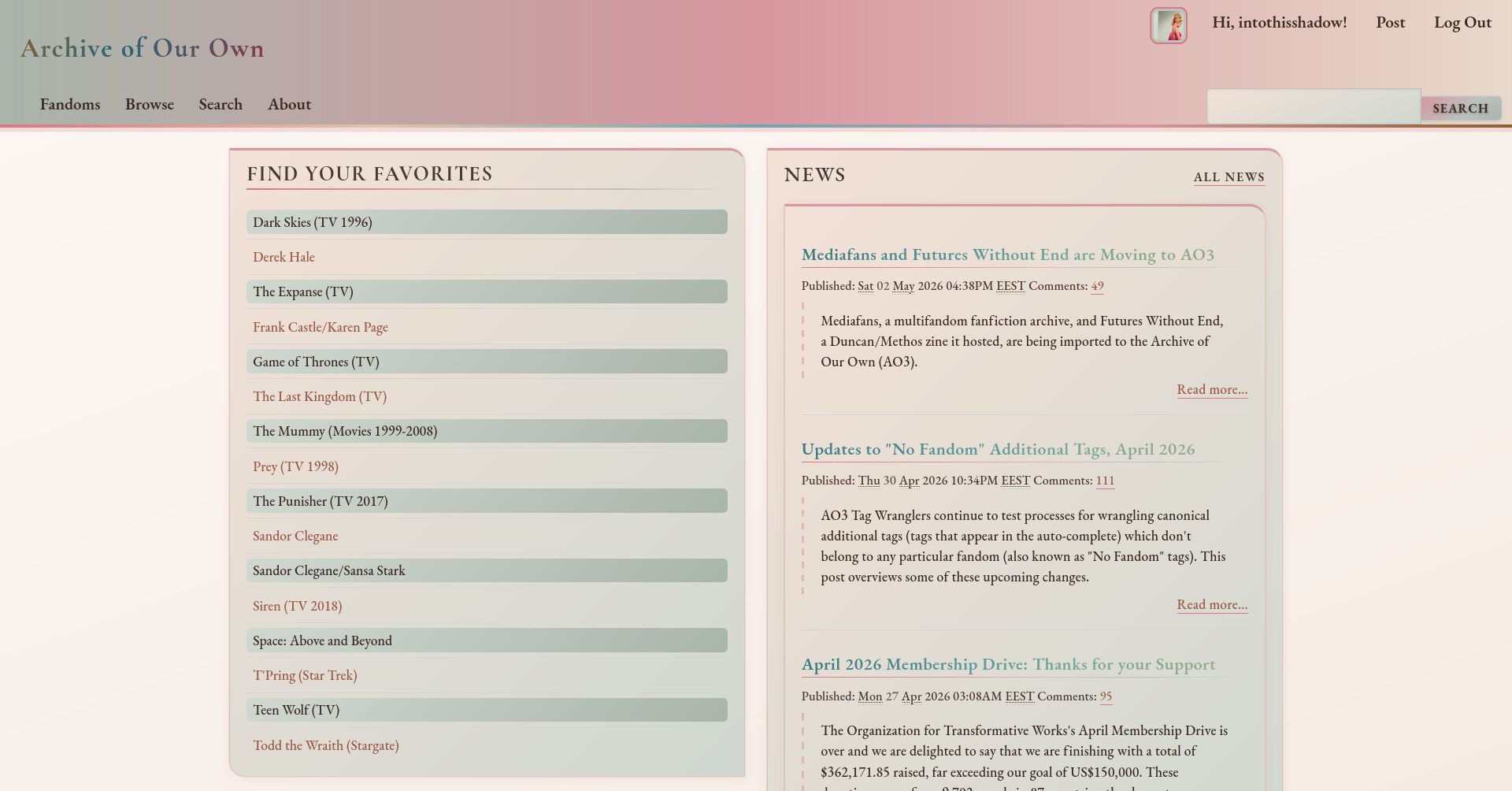

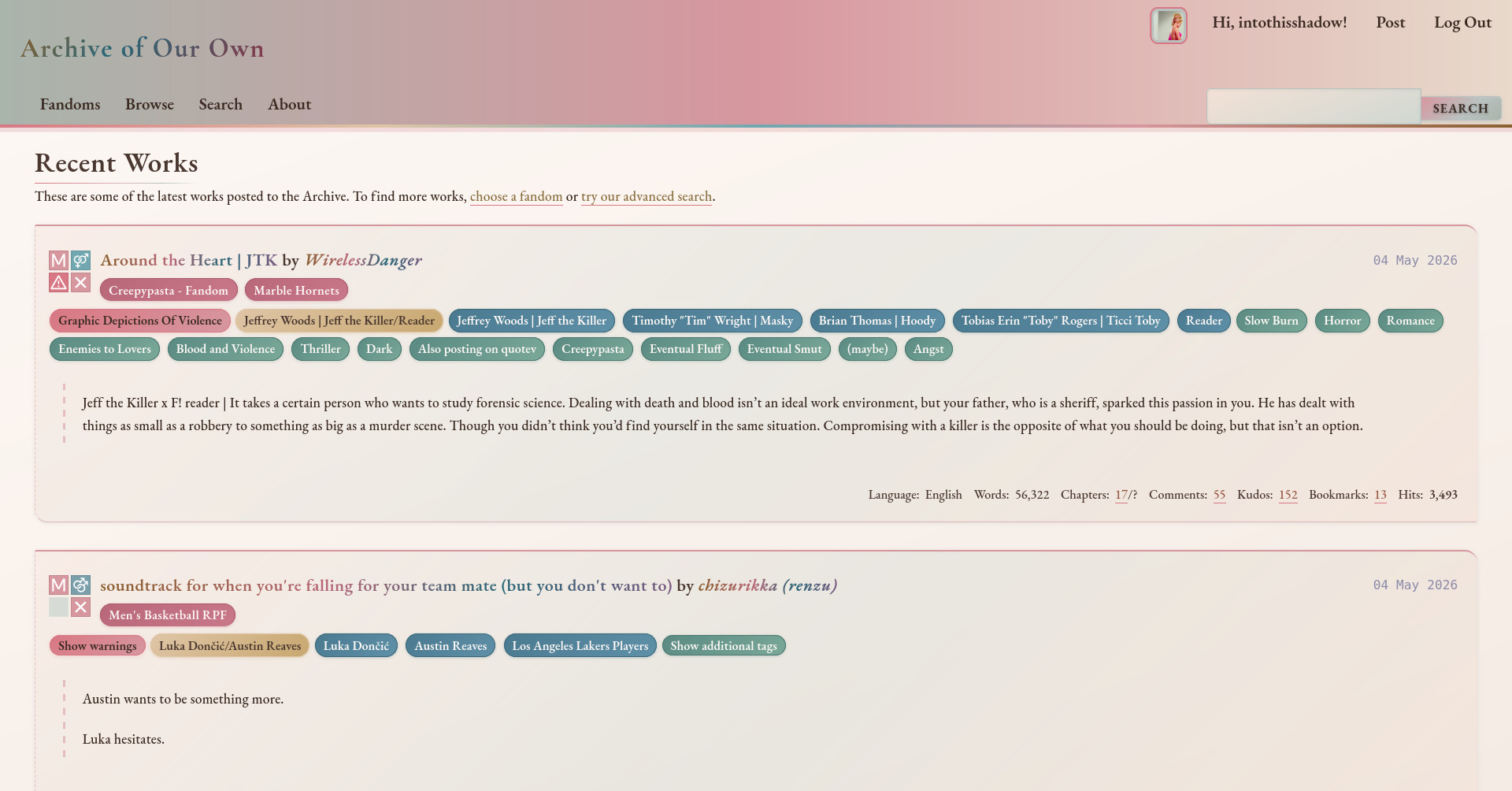
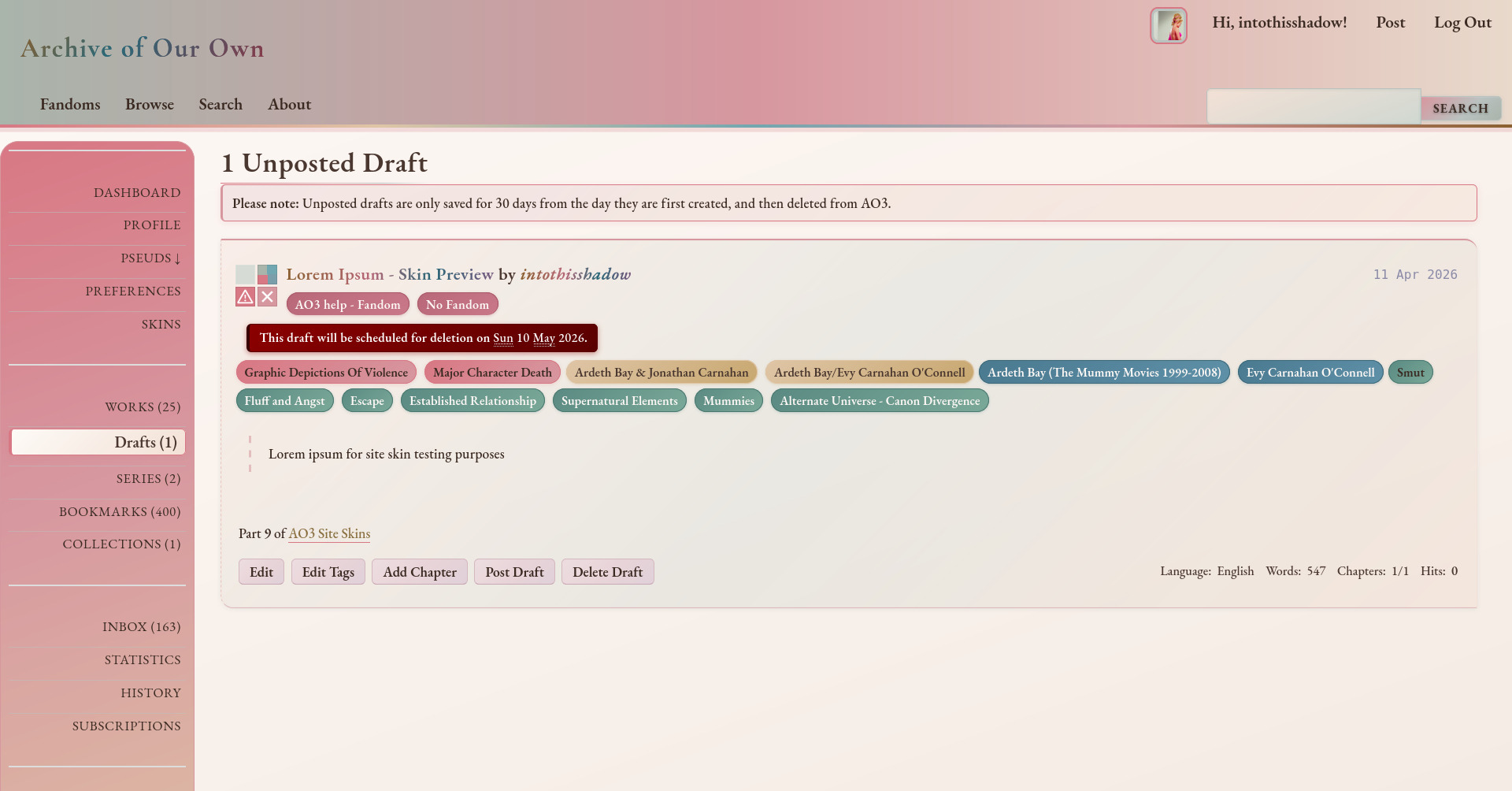
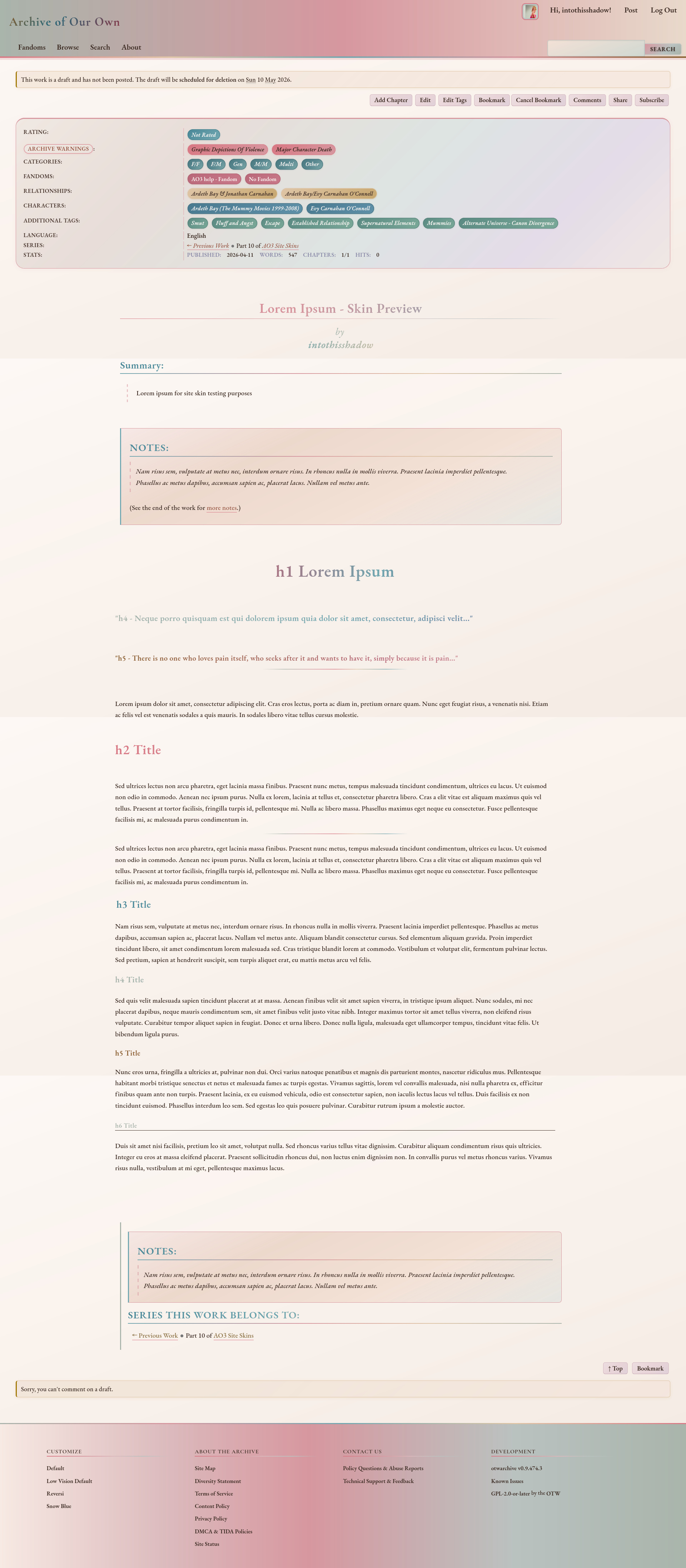
Mobile




Published: May 4, 2026
147 Downloads
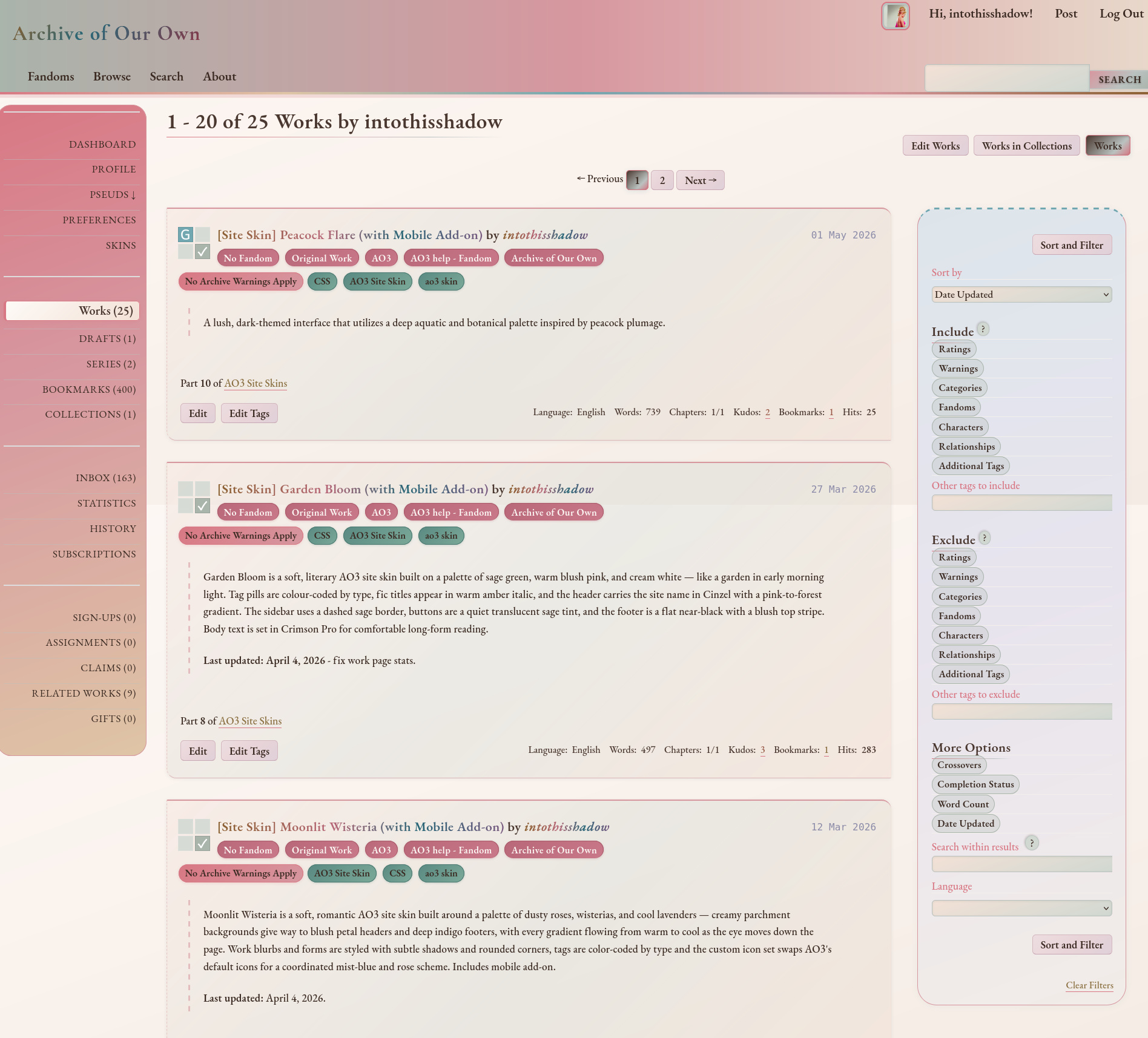
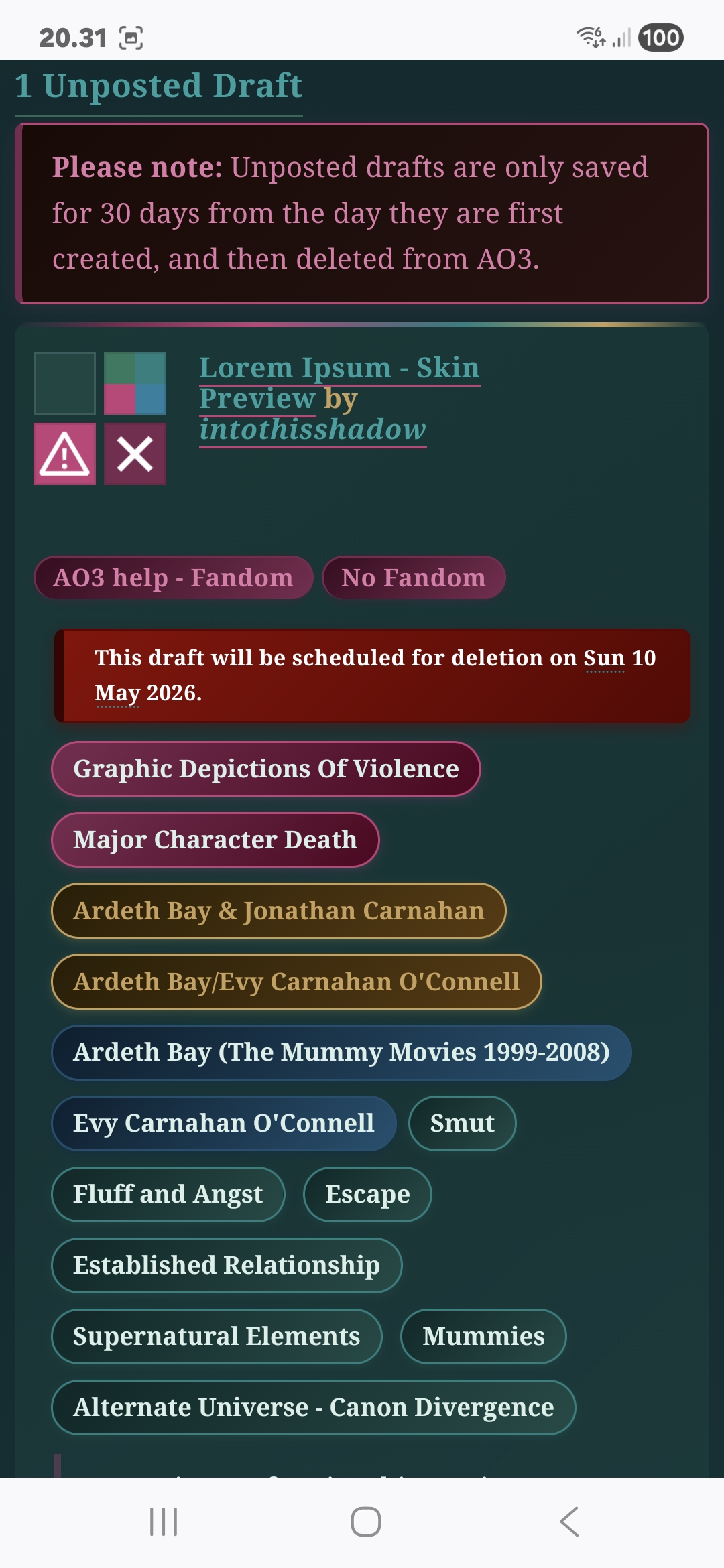
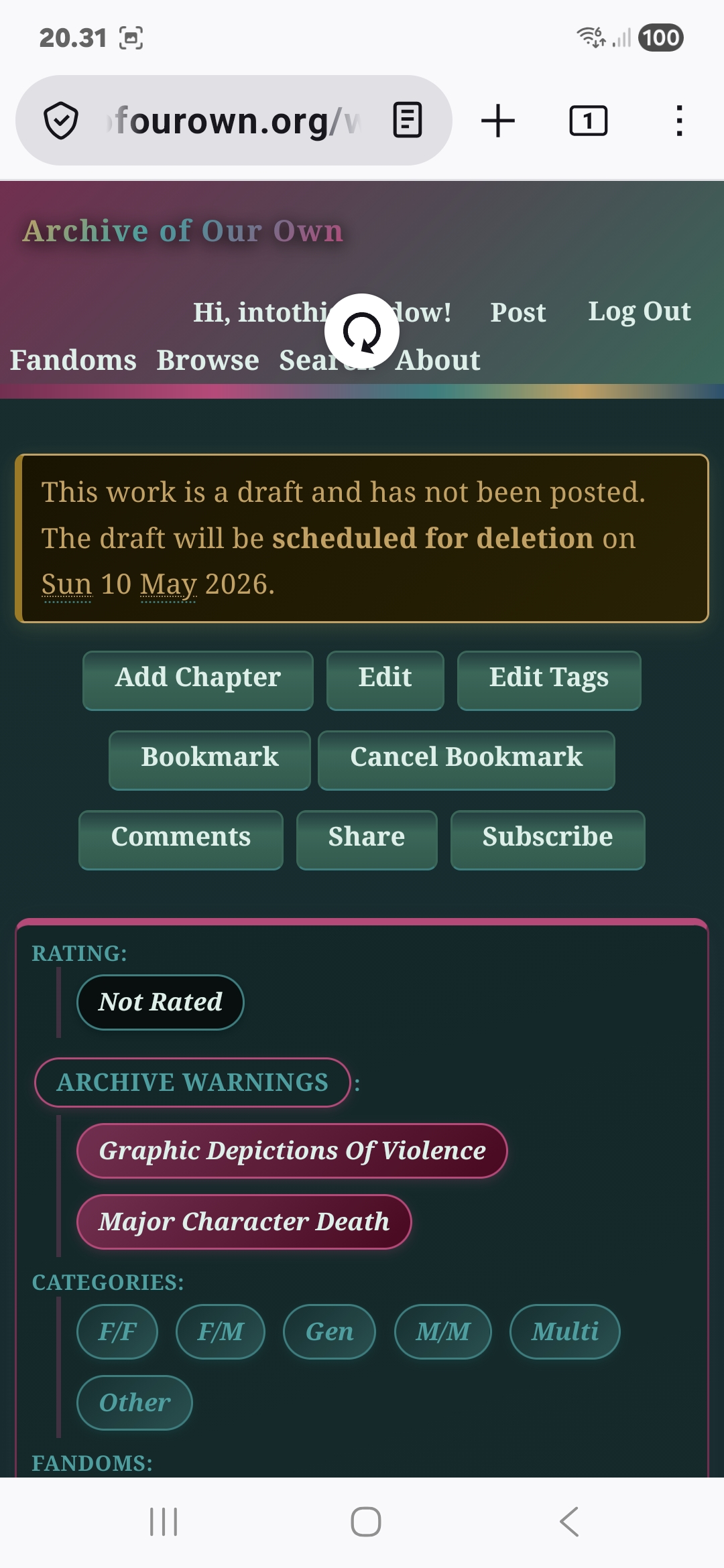
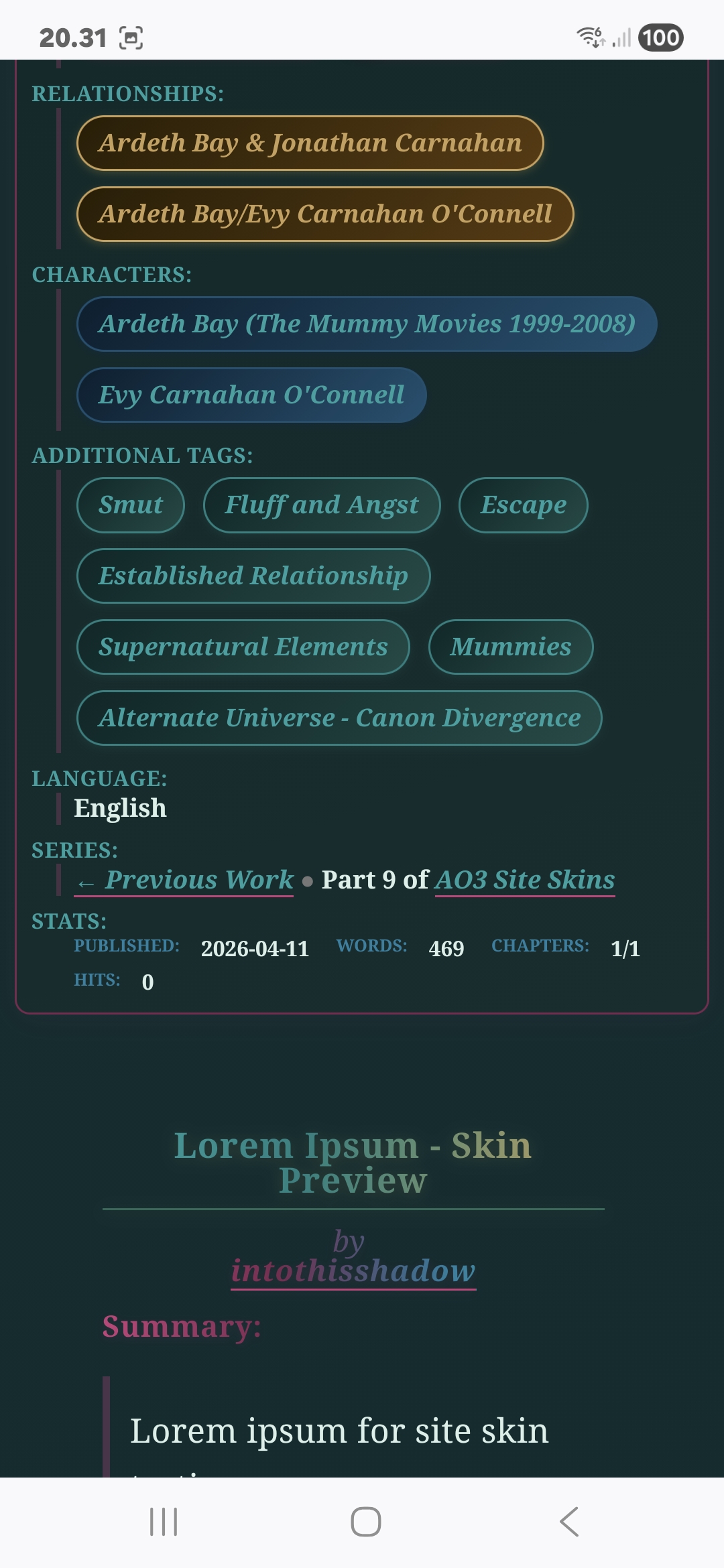
Peacock Flare – AO3 Site Skin (With Mobile Add-On)
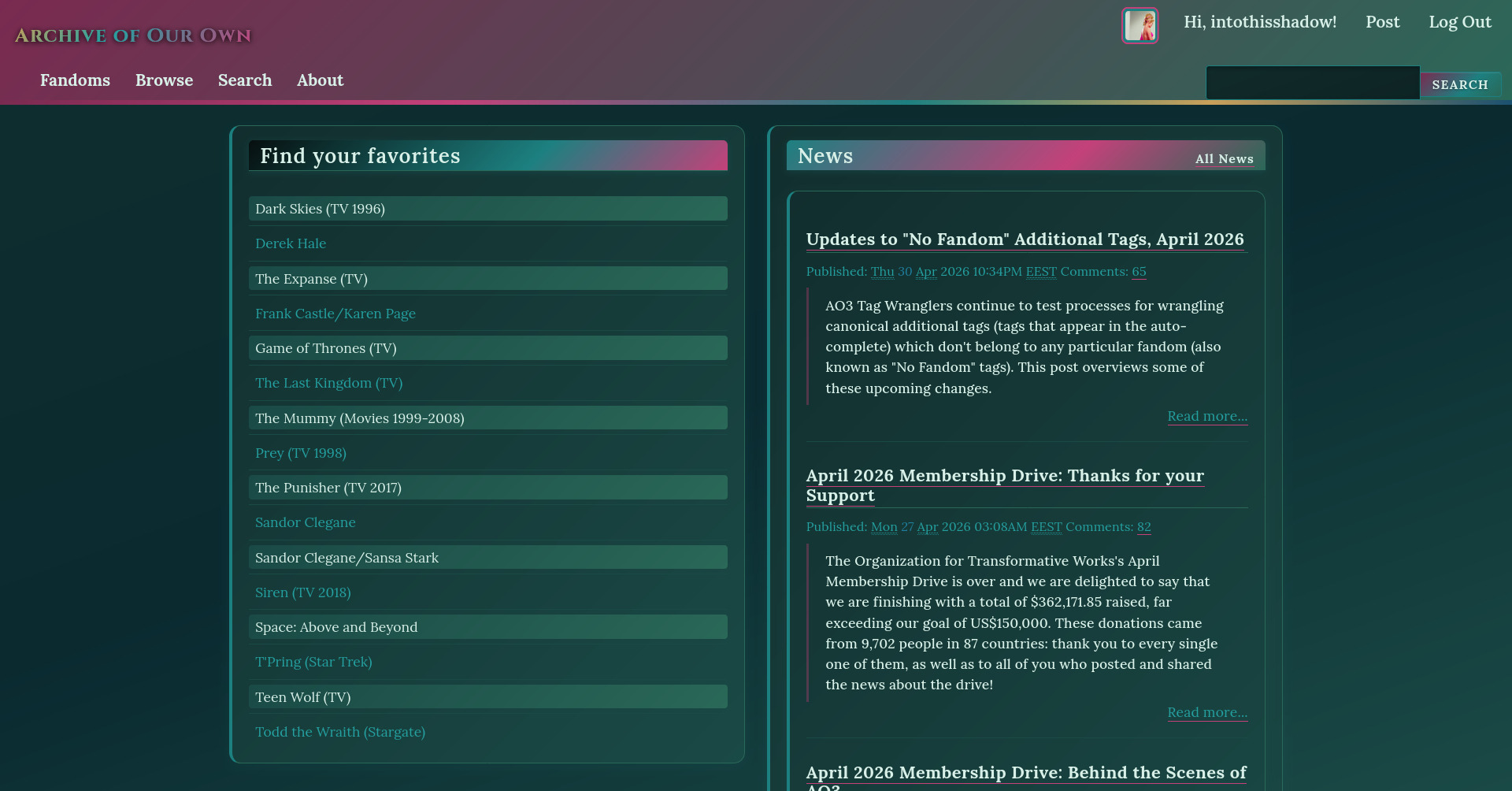

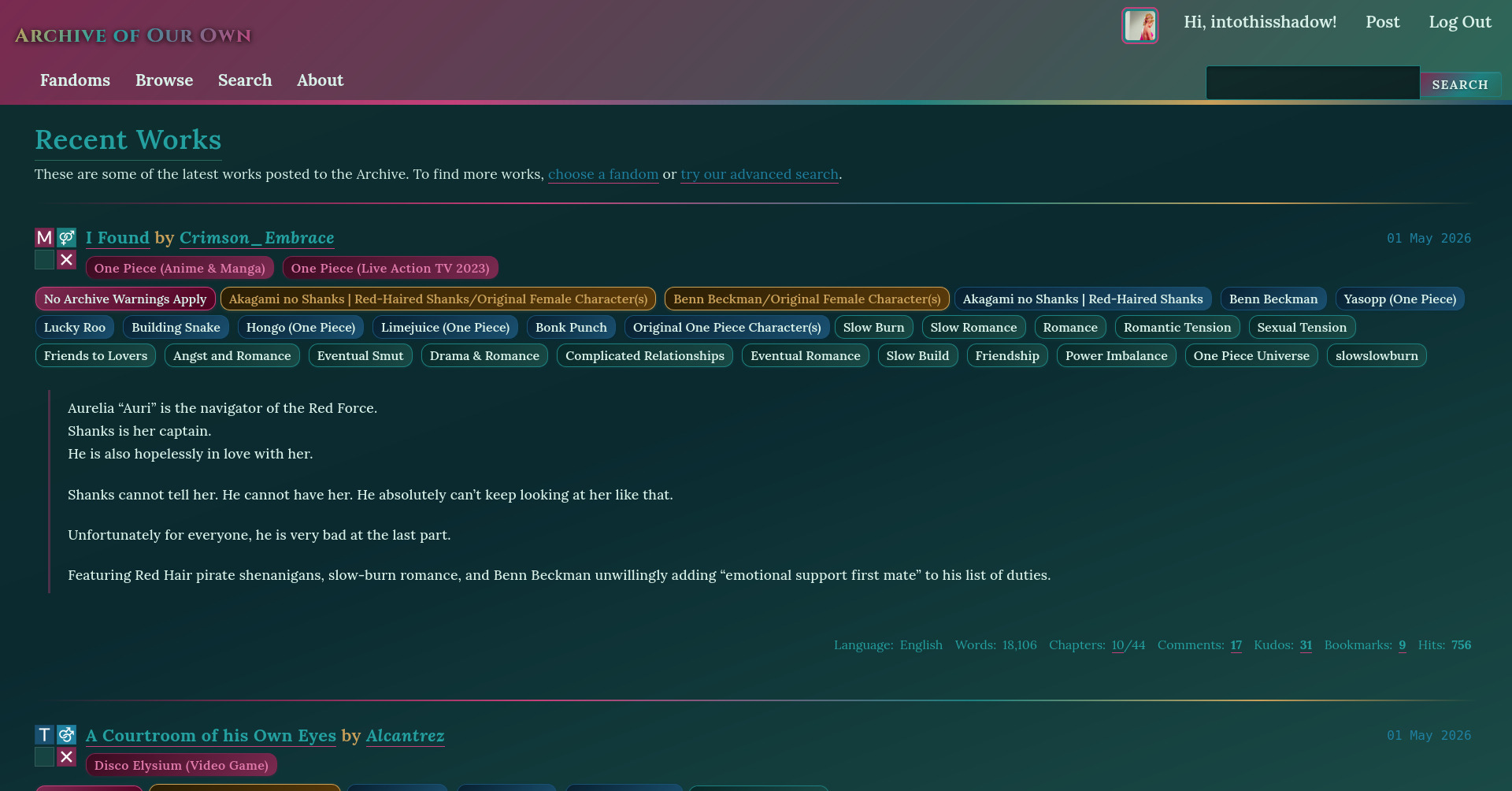
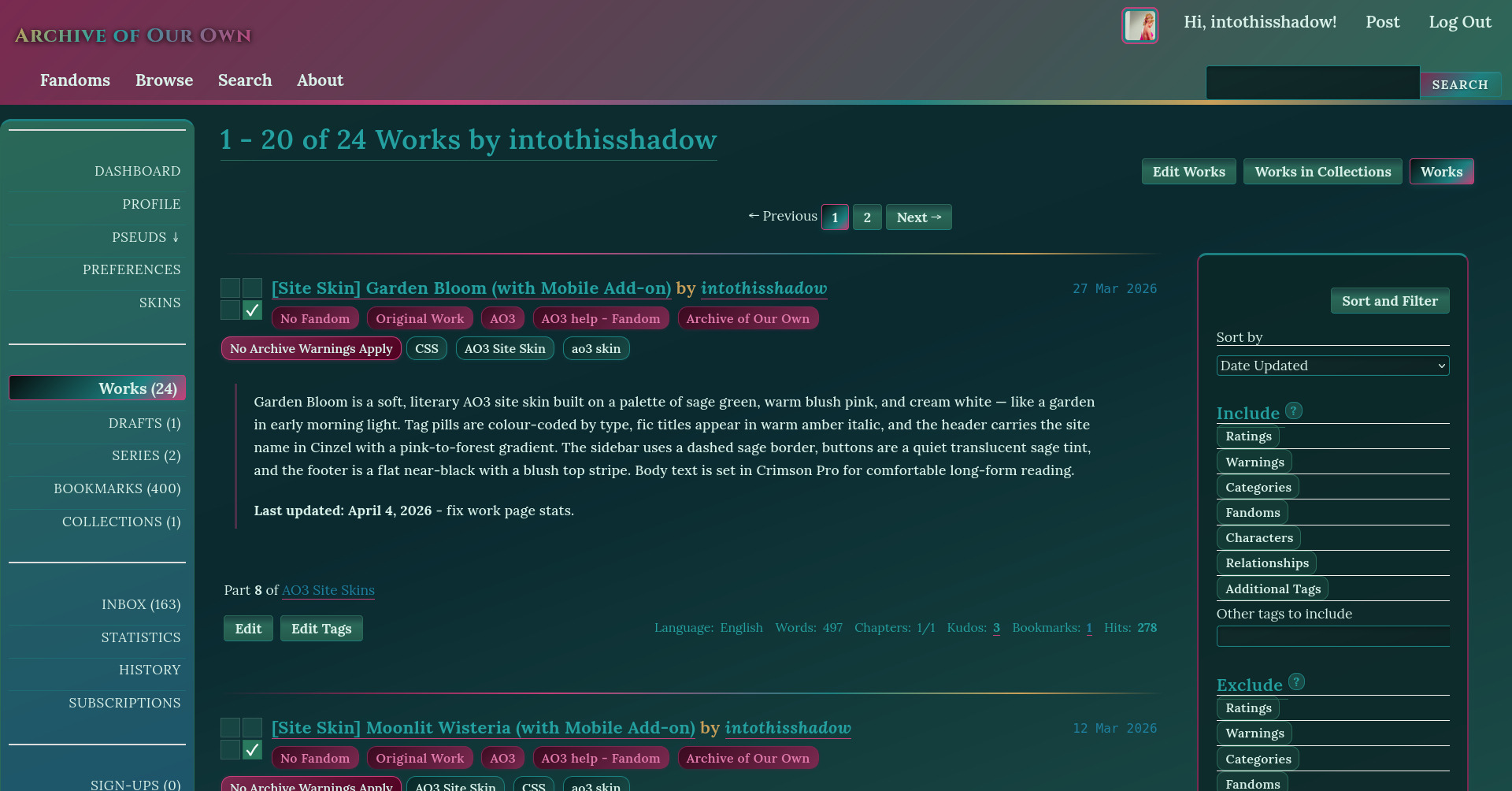

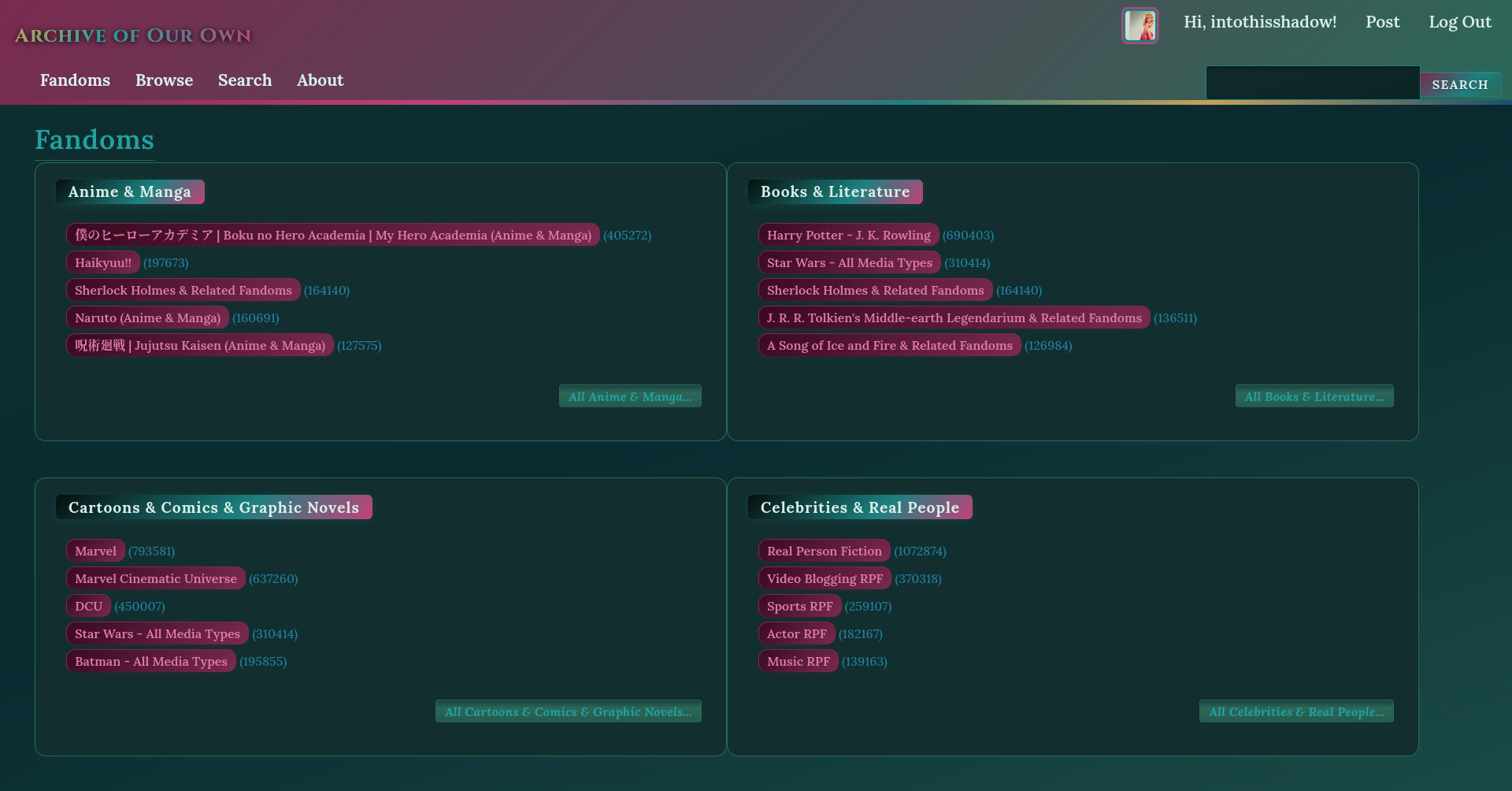
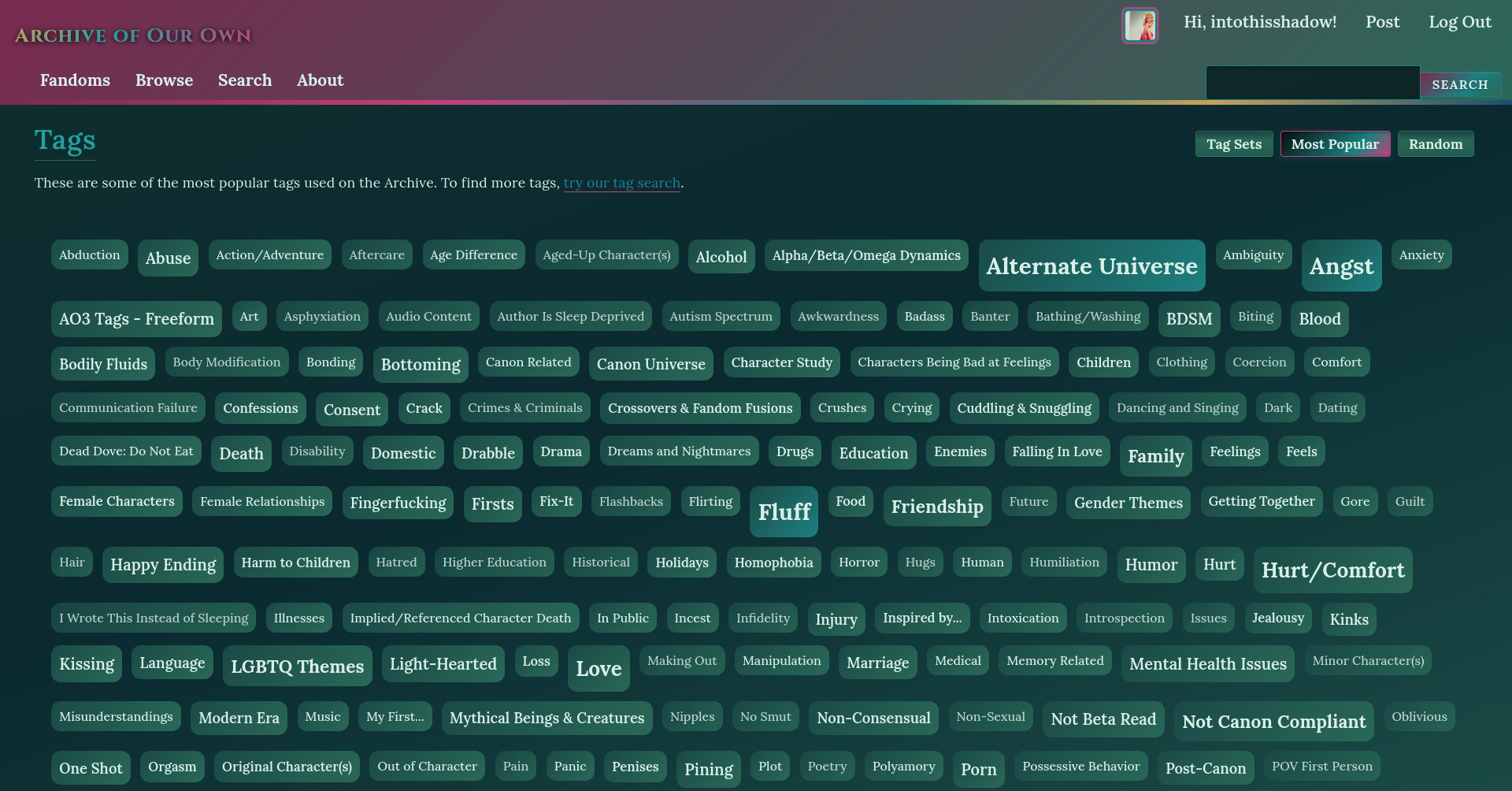
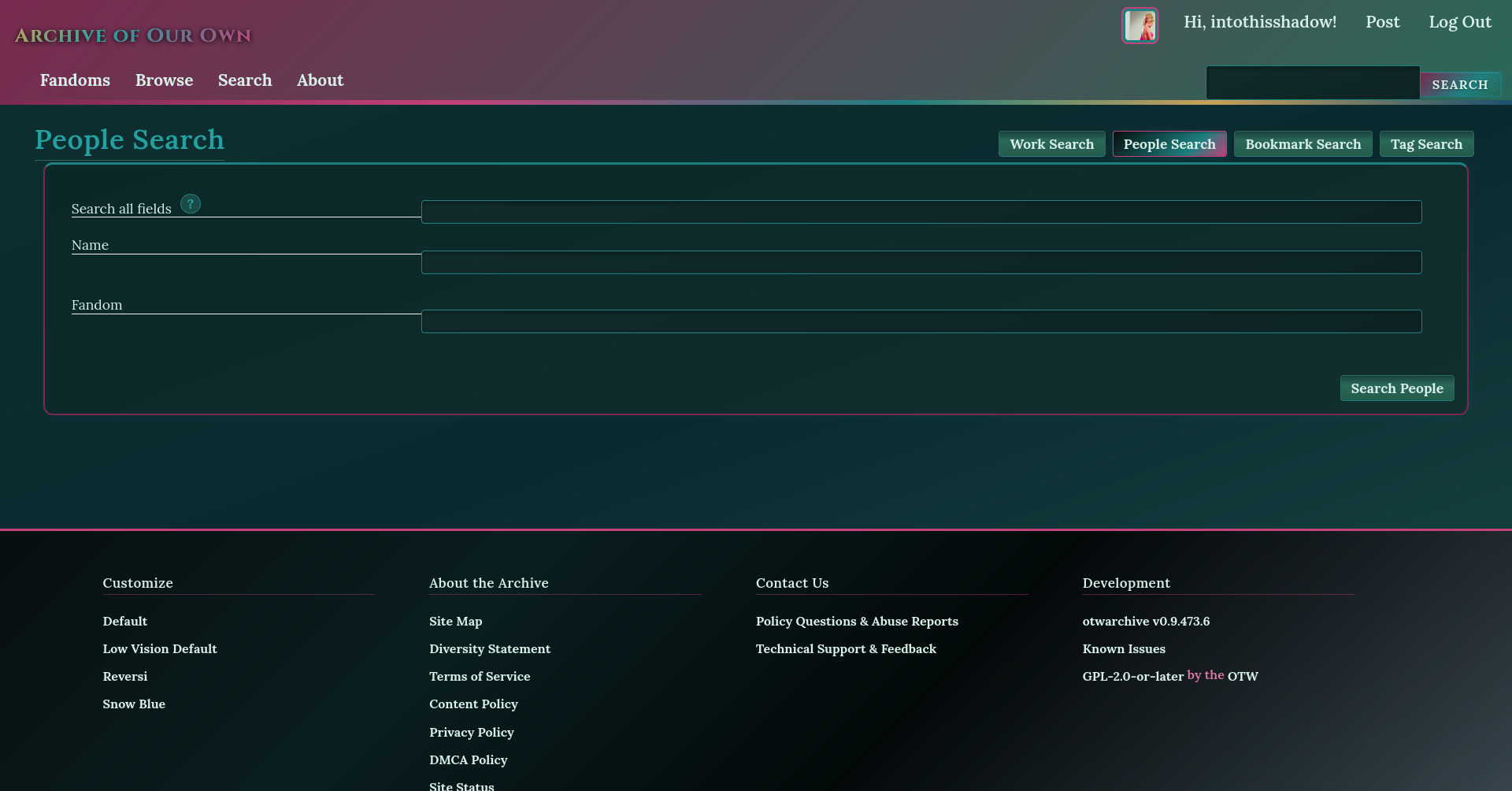

Mobile previews



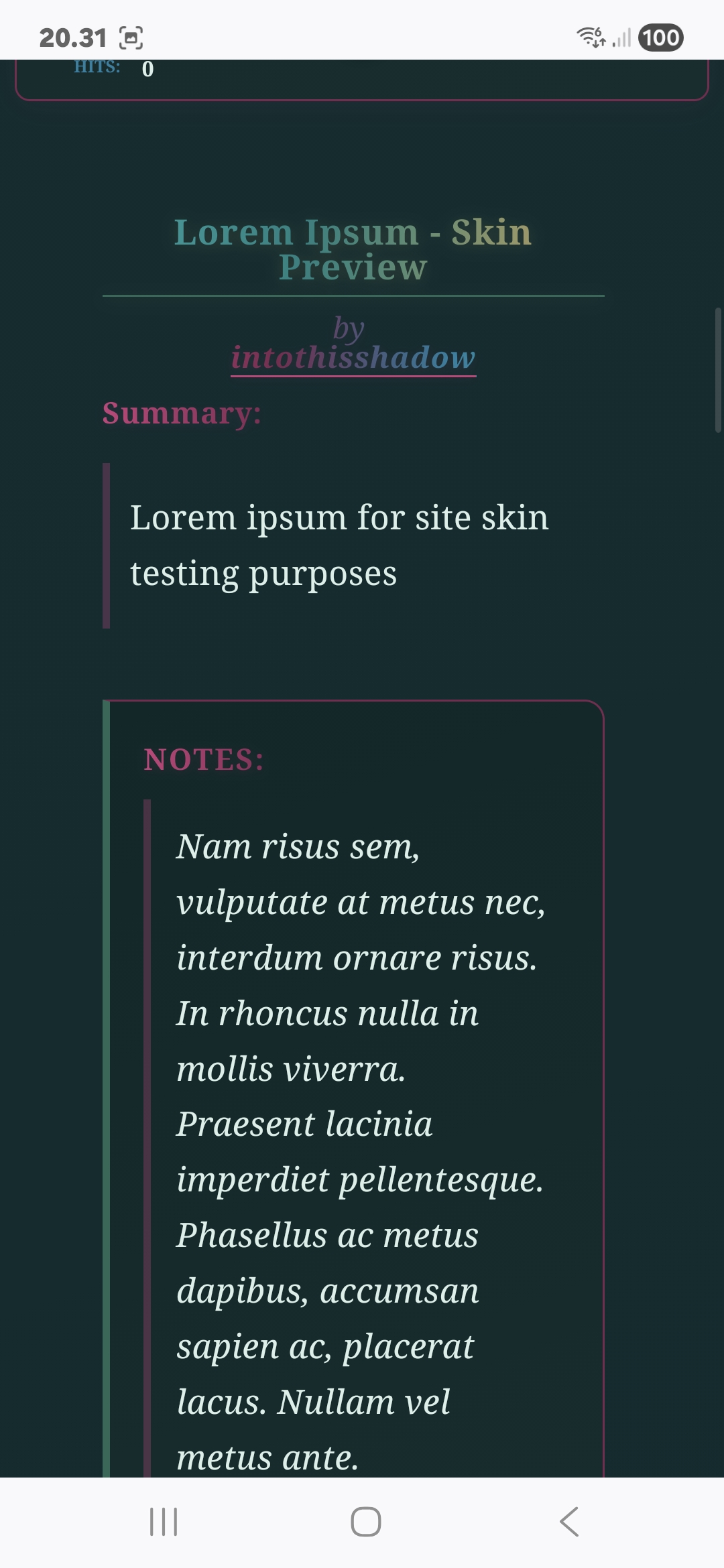
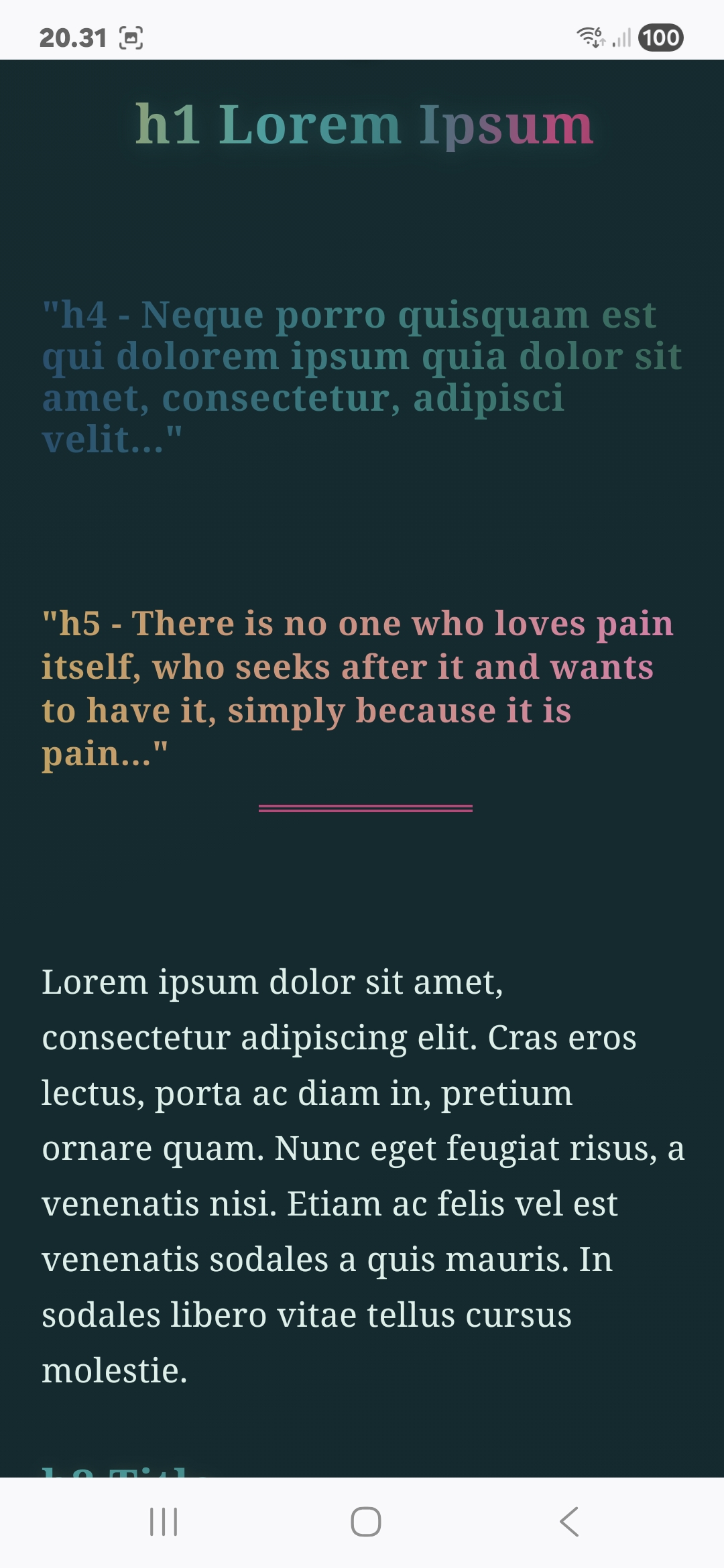
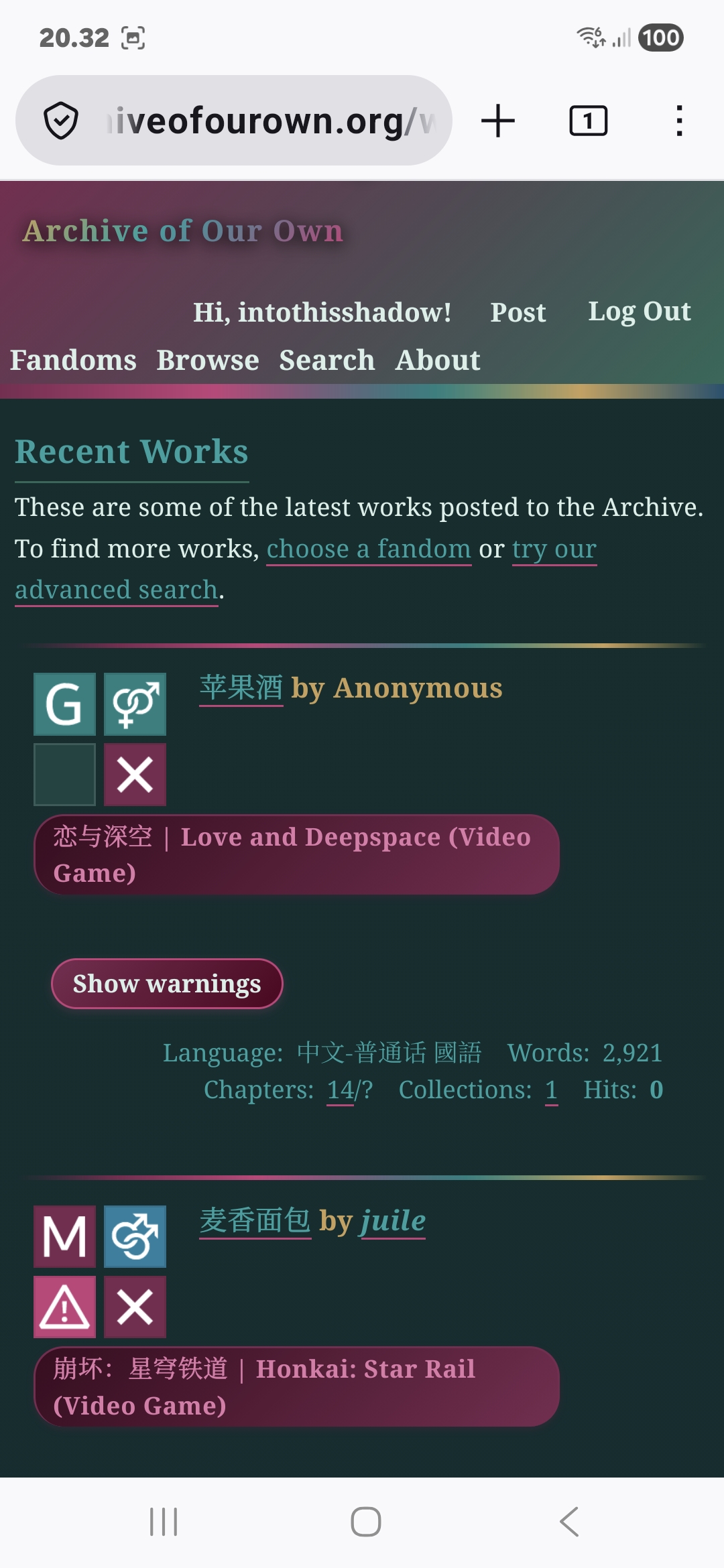
Published: May 1, 2026
80 Downloads

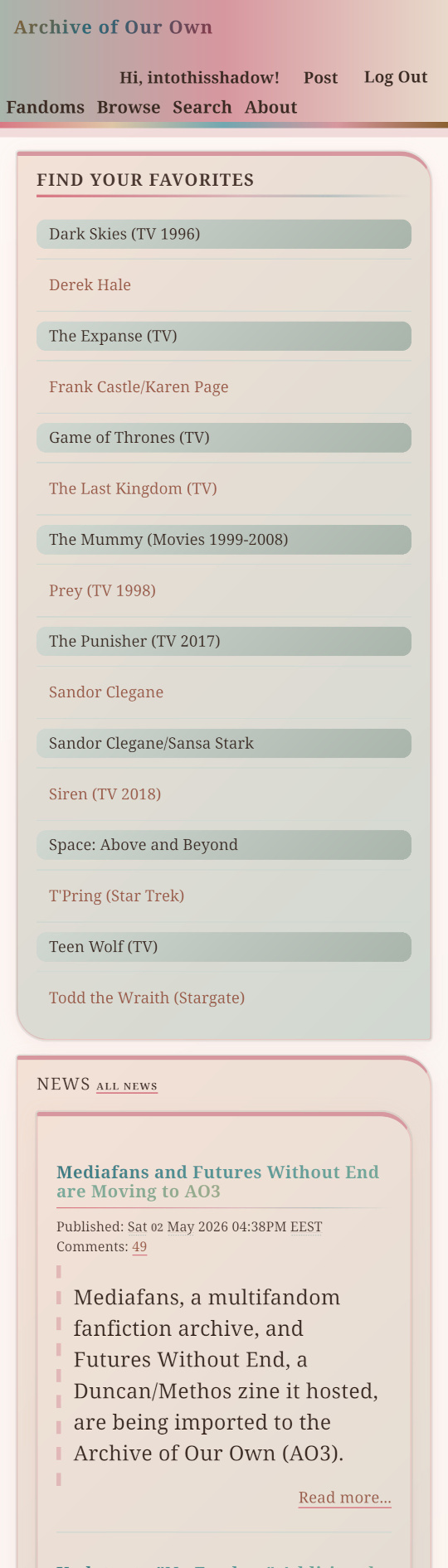
Garden Bloom (with Mobile Skin Add-on)


Mobile Previews


124 Downloads

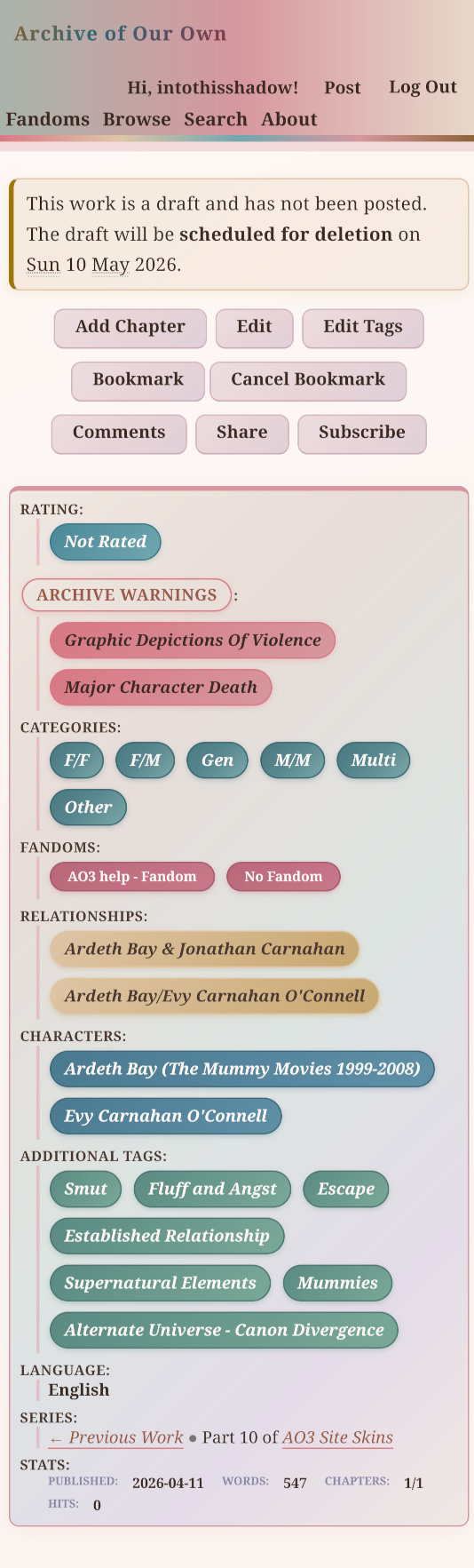
Moonlit Wisteria – AO3 Site Skin (With Mobile Add-On)
This is my first time trying to make a mobile friendly add-on skin. It seems to be working fine on my own Samsung Galaxy A55 5G and the responsive simulator I used, but let me know!
The instructions on how use the add-on are included in the README.md.
Desktop Screenshots


Mobile Add-On Screenshots


Published: March 12, 2026
321 Downloads

Stargazer – AO3 Site Skin


Mobile previews:


Published: March 6, 2026
373 Downloads

Breath of Life – AO3 Site Skin


Mobile Add-On Screenshots


115 Downloads

The Witching Hour – AO3 Site Skin (v2) (With Mobile Add-On)
v2.0 — 2026-03-20
– Mobile skin add-on.
– Code completely refactored and expanded.


Published: February 24, 2026
160 Downloads

Rosewater Teal V2 – AO3 Site Skin
[v2.1.0] — 2026-04-01
– Mobile skin add-on.
– Code completely refactored and expanded.


Mobile Previews


Size: 3 MB
Published: February 20, 2026
185 Downloads

Pastel Whimsy – AO3 Site Skin (v2) (With Mobile Add-On)
v2.1.0 — 2026-04-16
– Mobile skin add-on.
– Code completely refactored and expanded.
Desktop



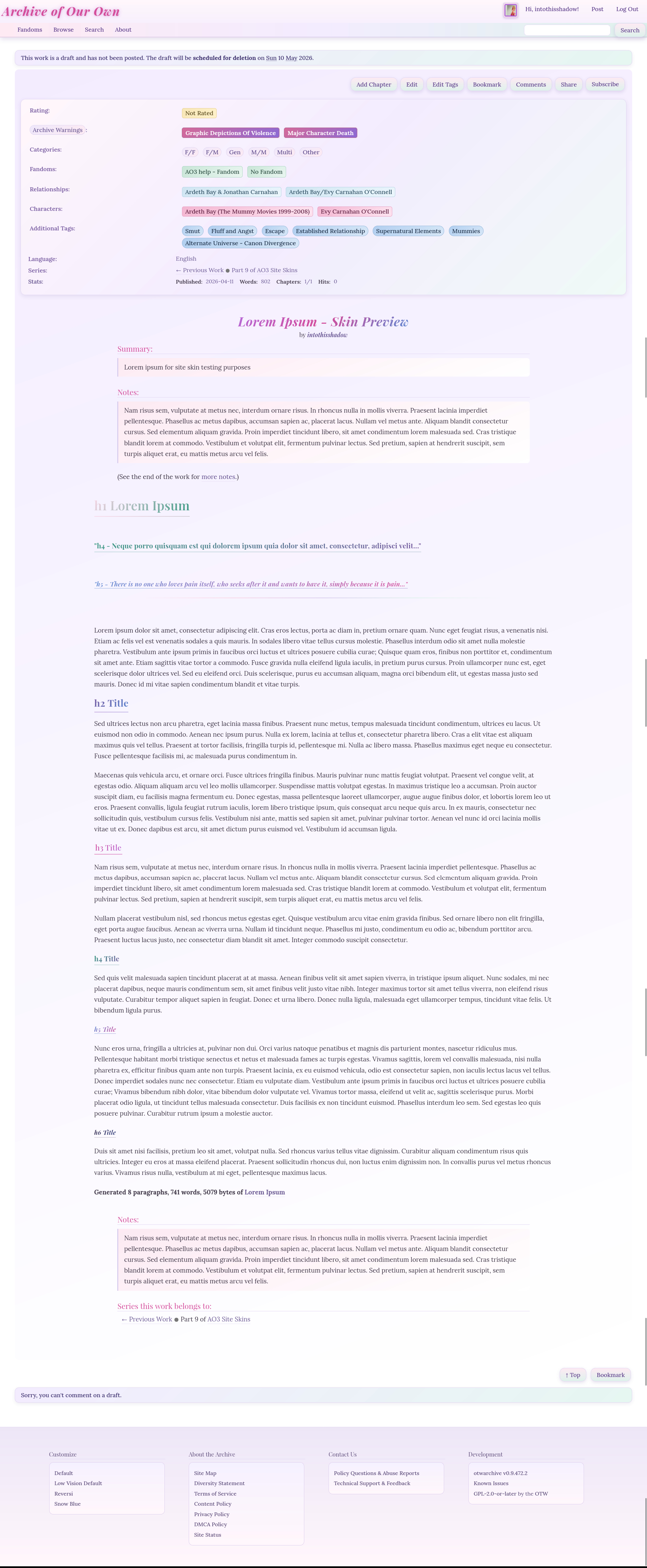
Mobile



Size: 3 MB
Published: February 11, 2026
197 Downloads
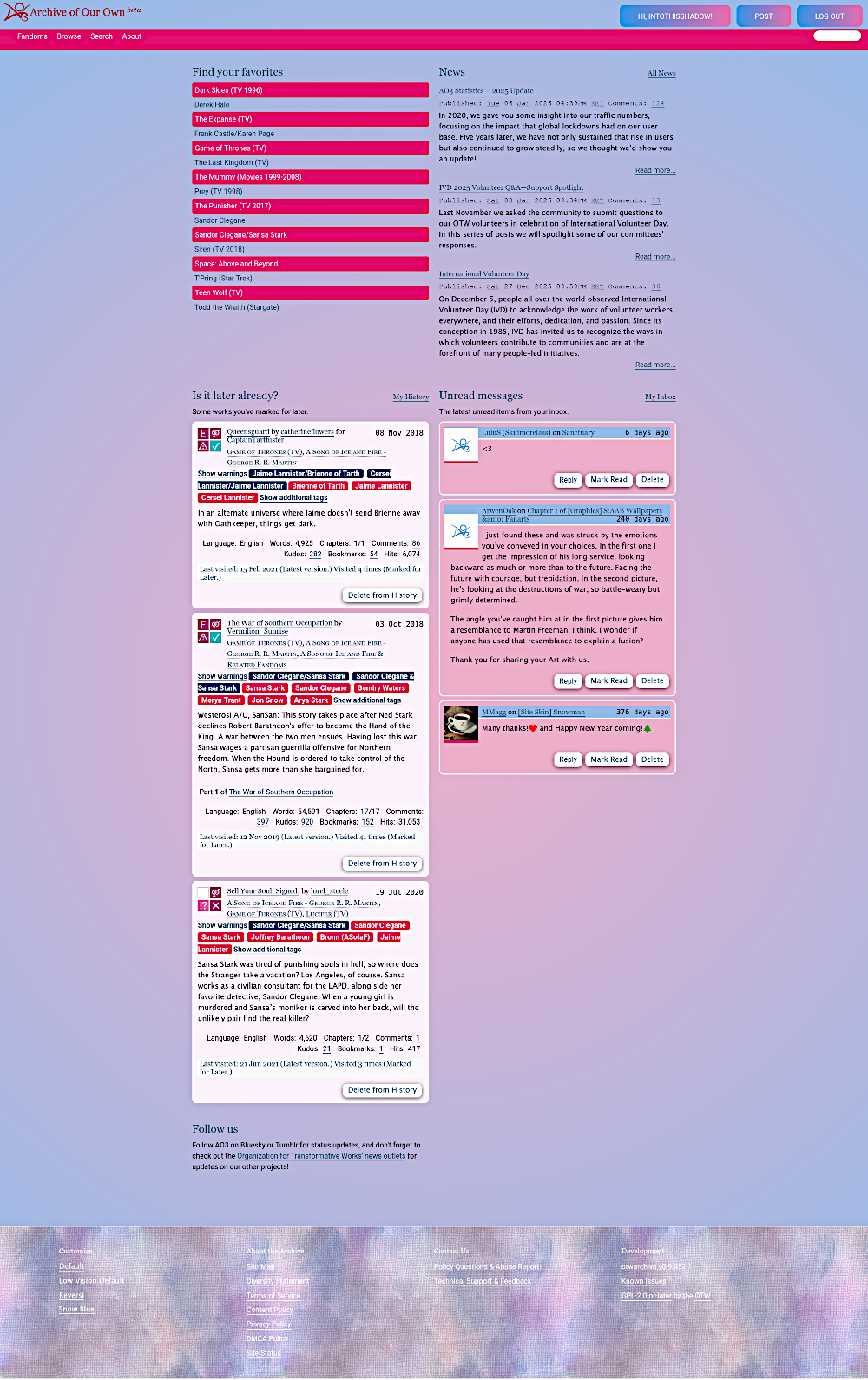
Dreamy – AO3 Site Skin
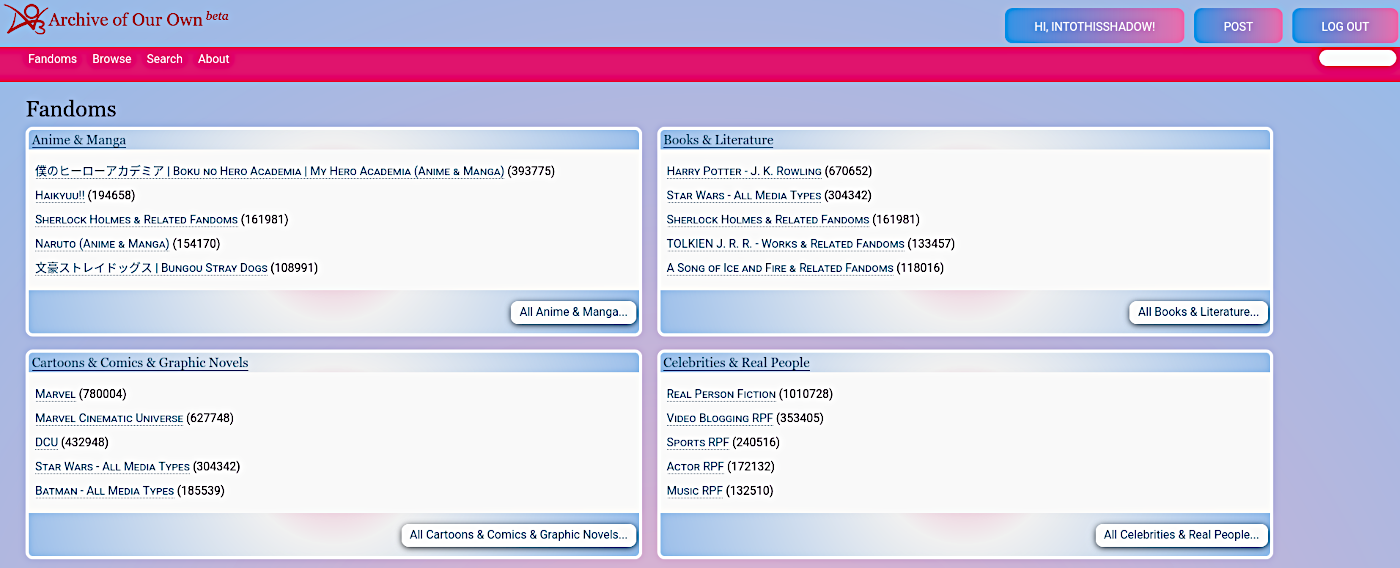
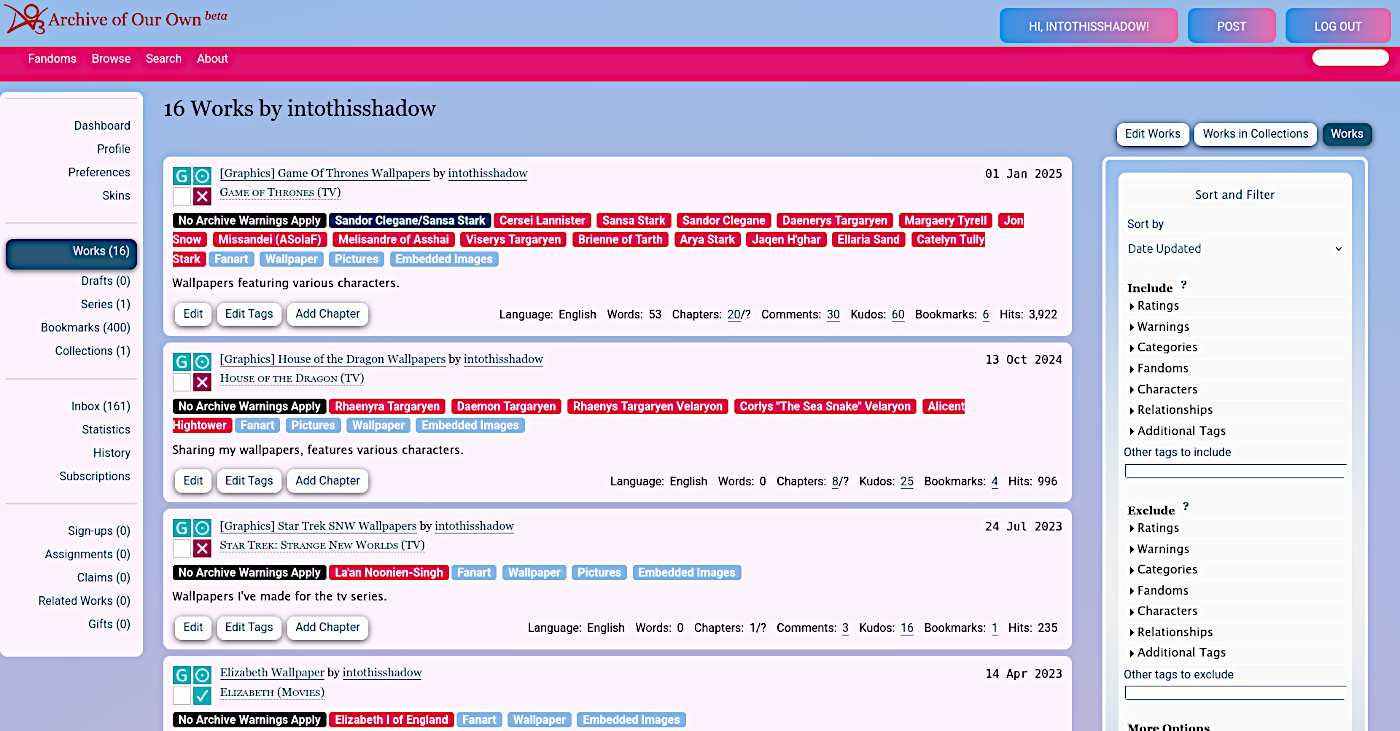
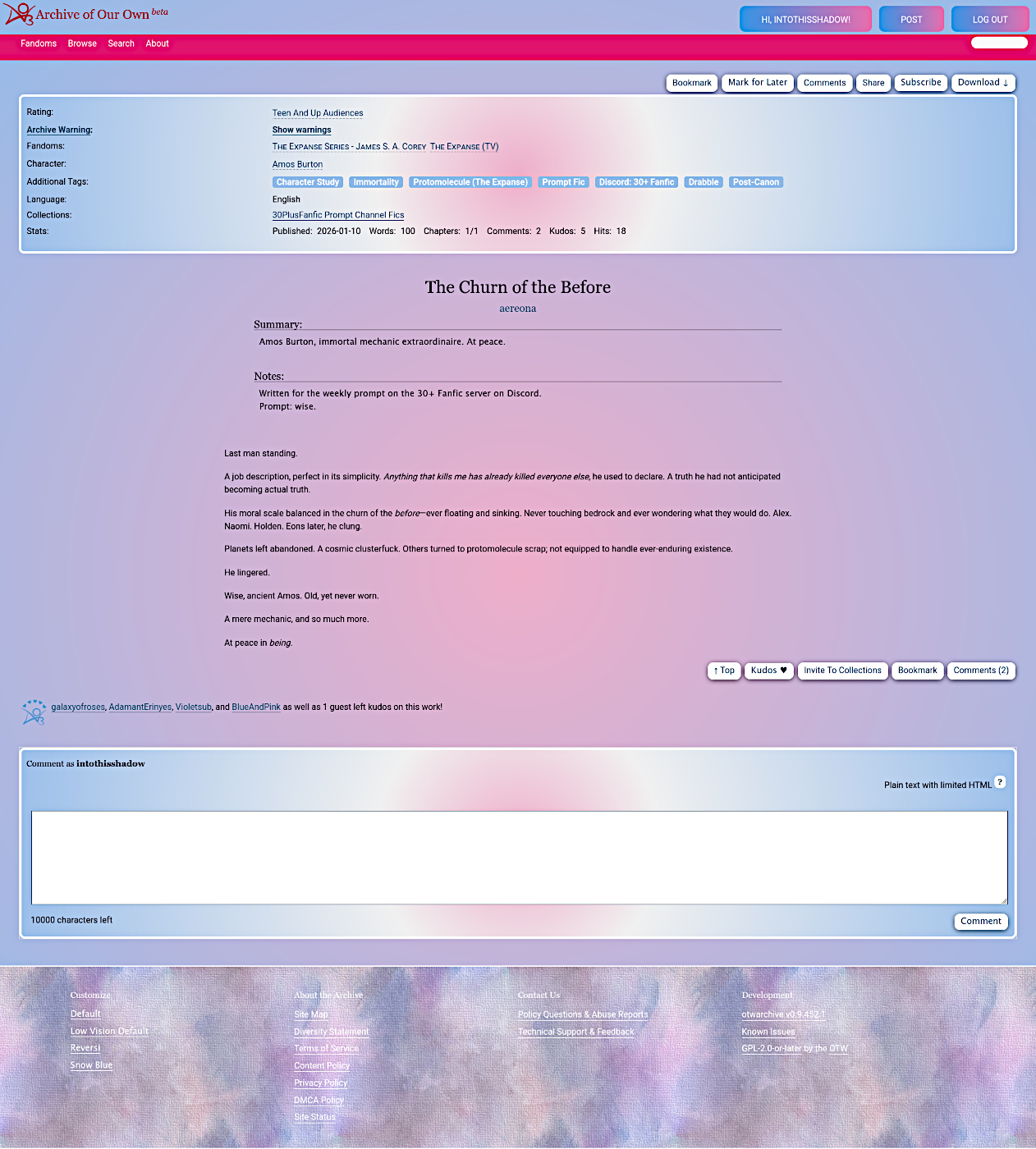
Published: January 12, 2026
117 Downloads